Grammarly Pro Review 2026: Is $12/Month the Best Investment You'll Make in Your Writing?
This post may contain affiliate links. We may earn a commission at no extra cost to you.
Grammarly is one of those tools that's so ubiquitous it's easy to take for granted. Nearly everyone has used the free version at some point — and if you're like most people, you've wondered whether paying for Pro is actually necessary or whether it's just a software company convincing you that a free tool needs an upgrade.
Having used both versions extensively, here's my honest answer: for casual writers, the free version is enough. For entrepreneurs, content creators, and anyone whose writing directly represents their business — Pro is one of the highest-value upgrades available at its price point. Here's why.
What Is Grammarly?
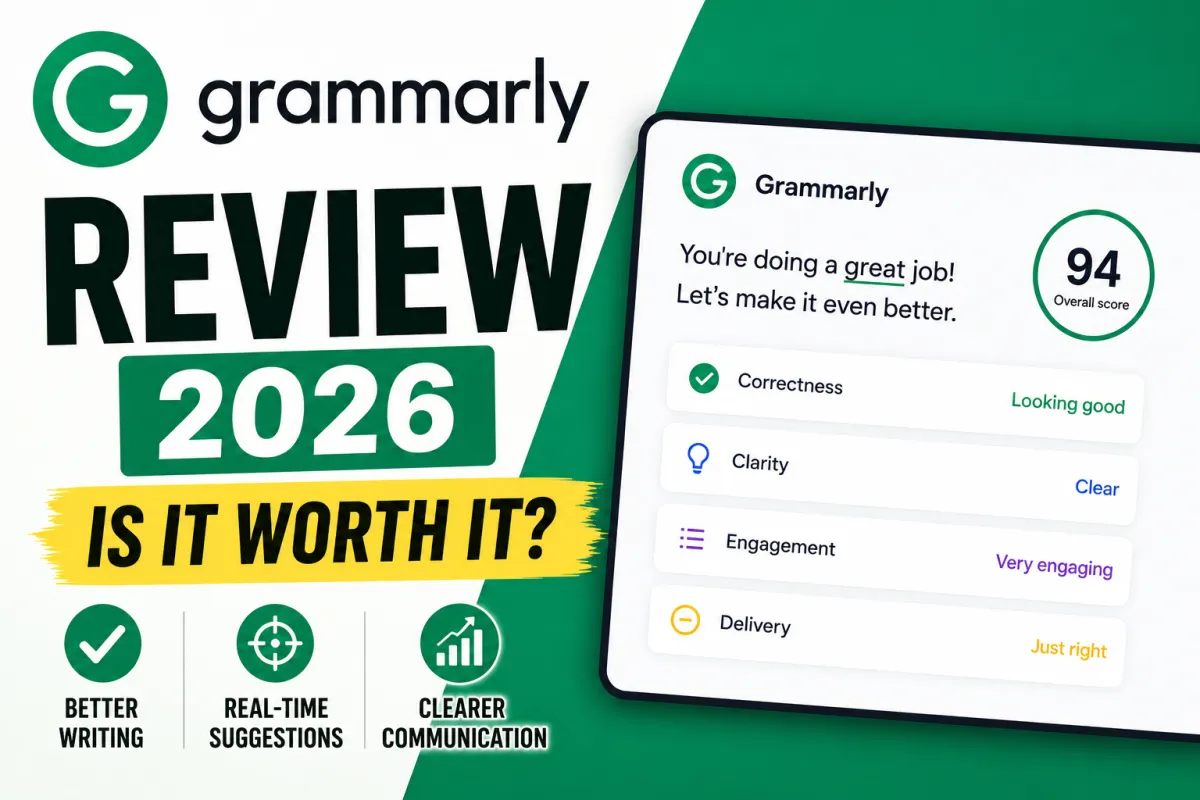
Grammarly is an AI-powered writing assistant that works as a browser extension, a desktop app, a mobile keyboard, and an integration inside Google Docs, Microsoft Word, Gmail, and virtually everywhere else you write. It reviews your writing in real time and suggests improvements across four dimensions: correctness (grammar, spelling, punctuation), clarity (readability and sentence structure), engagement (vocabulary and variety), and delivery (tone and impact).
In 2026, Grammarly Pro has expanded significantly into generative AI. It now includes full paragraph rewrites, tone adjustments, email draft generation, GrammarlyGO (an AI assistant for generating and refining content), and 2,000 AI prompts per month — making it more than just a spell-checker.
Grammarly Pricing in 2026
Free — Basic grammar and spelling corrections. Limited clarity suggestions. 100 AI prompts per month. No plagiarism detection, no full-sentence rewrites, no tone adjustments.
Pro — $12/month (annual billing, $144/year) or $30/month (monthly billing). Full access to all Grammarly features including advanced clarity suggestions, full-sentence rewrites, tone detection and adjustment, plagiarism checker, 2,000 AI prompts per month, and GrammarlyGO.
Enterprise — Custom pricing for teams and organizations.
The annual plan saves 60% compared to monthly billing — a significant difference that makes the annual commitment the clear choice for anyone planning to use it regularly.
The Real Difference Between Free and Pro
The free version catches obvious errors — spelling mistakes, basic grammar problems, missing commas. It's genuinely useful for that. But the free version won't tell you that your sentence is technically correct but confusing, that your tone sounds passive-aggressive when you meant to sound professional, or that your paragraph could be rewritten in eight words instead of forty.
Pro catches all of that. And for business writing — emails to clients, proposals, website copy, marketing content — those subtler improvements are where the real value lives.
The tone detector is particularly useful for client emails. Writing something that feels firm to you might read as hostile to the recipient. Grammarly's tone detection flags this before you send, with a specific note like "this may sound accusatory" alongside a suggested rewrite. For solopreneurs managing all of their own client communication, this kind of feedback catches expensive misunderstandings before they happen.
What Grammarly Pro Does Really Well
Real-time, contextual suggestions across every platform. Grammarly works everywhere — Gmail, Google Docs, LinkedIn, WordPress, Slack, and more. You don't need to remember to check your writing separately; the suggestions appear as you type. That frictionless integration is a genuine competitive advantage over tools that require you to copy-paste content into a separate interface.
Full-sentence rewrites for clarity. Pro can take a tangled, overly long sentence and rewrite it for clarity with one click. This is one of the most time-saving features for entrepreneurs who are strong thinkers but not natural writers.
Plagiarism detection. Pro checks your content against billions of web pages and academic sources, flagging anything that resembles existing content. For content creators publishing regularly, this is meaningful protection.
GrammarlyGO for content generation. The AI assistant feature lets you draft content, reply to emails, and generate text from prompts directly inside Grammarly's interface. It's not at the level of Claude or ChatGPT for complex writing tasks, but for quick email responses and short-form content, it saves meaningful time.
The writing style scoring. Pro gives you a real-time score across clarity, correctness, engagement, and delivery as you write. Watching that score improve as you edit makes you a better writer over time — not just a more accurate one.
Where Grammarly Falls Short
It sometimes over-suggests. Grammarly occasionally recommends changes that technically "improve" the writing but strip out personality and voice. This is particularly noticeable for writers with a distinctive, intentional style — you'll find yourself dismissing suggestions that are technically correct but wrong for your brand.
The AI content generation is limited. GrammarlyGO is genuinely useful for short-form content and email drafts, but it doesn't compete with Claude or ChatGPT for longer content, complex analysis, or creative writing. Grammarly is a writing improvement tool with AI additions — not an AI writing tool with grammar as a bonus.
Monthly billing is expensive. At $30/month without an annual commitment, Grammarly Pro is hard to justify when Claude Pro and ChatGPT Plus are both $20/month and do far more. The value proposition depends entirely on the annual plan at $12/month.
Who Should Use Grammarly Pro?
Anyone who writes client-facing content regularly — emails, proposals, blog posts, social media, website copy — and wants a real-time safety net that catches not just errors but tone and clarity problems. At $12/month on the annual plan, it's one of the lowest-friction, highest-return tools available to solopreneurs.
Writers with a strong, established voice may find the suggestions intrusive. Creative writers or those who intentionally break grammar rules for effect will spend more time dismissing suggestions than accepting them.
The Verdict
Grammarly Pro earns a 4.5/5 for small business owners and content creators. At $12/month annually, it's arguably the most affordable professional writing upgrade available. The real-time, cross-platform nature of Grammarly is its superpower — it improves every piece of writing you produce, everywhere you write, without adding friction to your workflow.
If you write for your business — and every solopreneur does — Grammarly Pro is one of the first tools to add to your stack.
