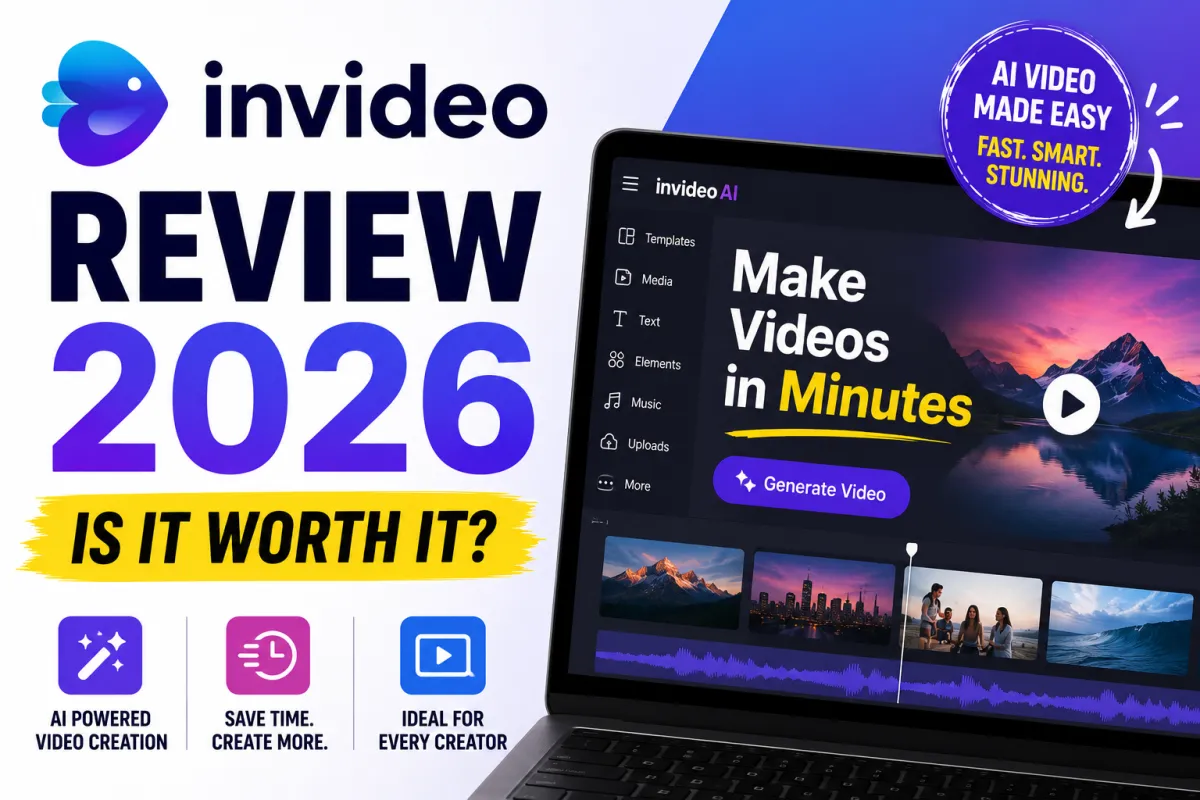
InVideo AI Review 2026: The Best Budget Video Creation Tool for Content Creators?
Not every solopreneur needs a $60/month video tool. InVideo AI is making a compelling argument that for $15/month, you can access a surprisingly capable AI video creation platform — one that covers social media content, ads, explainer videos, and more without the premium price tag of tools like Synthesia or HeyGen.
Here's whether that argument holds up.
What Is InVideo AI?
InVideo is a browser-based AI video creation platform that lets you create videos from text prompts, scripts, templates, or existing footage. Its AI features include automatic script-to-video generation (describe your video idea and InVideo builds it), AI voiceovers in 50+ languages, template-based video creation across hundreds of formats, and an AI avatar feature that generates spokesperson videos without filming.
Unlike Pictory, which focuses primarily on converting existing text content into video, InVideo is broader — it's designed for creating original video content from ideas as much as for repurposing existing material.
InVideo AI Pricing in 2026
Free — Includes InVideo watermark, limited export options. Good for testing.
Business — $15/month (annual billing). Removes watermark, unlocks premium templates, includes 10 iStock media items per month, 20 background removal credits. Best value for most solopreneurs.
Unlimited — $30/month (annual billing). Unlimited iStock access, priority rendering, all Business features. Best for high-volume production.
At $15/month for the Business plan, InVideo is positioned as one of the most affordable full-featured AI video tools available.
What InVideo Does Really Well
The text-to-video AI is genuinely fast. Type a description of the video you want to create — "a 60-second explainer about why small businesses need an email list" — and InVideo's AI generates a complete video with stock footage, text overlays, transitions, and background music. The result needs editing, but it gives you a structured starting point in minutes rather than hours.
Template variety is exceptional. InVideo has thousands of templates organized by use case — Instagram Reels, YouTube ads, product demos, testimonial videos, promotional content, and more. The template quality is consistently good, and the variety means you can find a starting point for virtually any video format.
The AI avatar feature adds flexibility. InVideo's built-in AI avatars let you create spokesperson-style videos without filming. The avatar quality is below Synthesia's benchmark but adequate for social media content and basic marketing videos — particularly at this price point.
The stock media library is extensive. Business plan users get access to iStock media, and InVideo's own library includes millions of clips, images, and music tracks. For most social content creation, you won't need external stock subscriptions.
The AI voice quality is above average. InVideo's text-to-speech voices in multiple languages are cleaner and more natural-sounding than many competing tools at this price tier.
Where InVideo Falls Short
The iStock credit limit is restrictive. The Business plan includes only 10 iStock media items per month. If your videos rely on premium stock footage — product shots, specific location footage, professional lifestyle imagery — those 10 credits disappear quickly and additional clips can cost $10–$30 each.
The AI-generated video needs meaningful editing. Like all AI video tools, InVideo's auto-generated videos are starting points, not finished products. The AI often selects generic or tangentially related footage for abstract topics, and the pacing may not match your intended tone. Plan for 20–40 minutes of editing per video.
The interface has a learning curve. InVideo is more capable than tools like Canva for video — which means it's also more complex. New users often find the timeline editor and layer system initially confusing, particularly if they have no prior video editing experience.
The free plan watermark is prominent. Unlike some tools that include subtle watermarks on free tiers, InVideo's watermark is noticeable enough that free-plan videos are not suitable for professional use.
Who Should Use InVideo?
InVideo is the right choice for solopreneurs and small business owners who need to produce a moderate volume of social media videos, ads, and promotional content — and want professional-looking results without investing in premium tools. At $15/month, it's one of the best value propositions in AI video creation.
It's also worth considering for anyone who currently pays separately for stock footage, templates, and video editing software — InVideo consolidates all three at a lower combined cost.
The Verdict
InVideo AI earns a 4/5. The text-to-video AI is genuinely impressive for the price, the template library is outstanding, and $15/month is hard to argue with for the Business plan's feature set. The iStock credit limit is the most significant practical limitation, and the editing time required before publishing is more than the marketing suggests.
Start with the free plan, build two or three actual videos for your business, evaluate the output quality and editing time, then decide if the $15/month Business plan makes sense for your volume.